Already have a list? Bring it in any shape.
Upload a spreadsheet, paste rows, pull from Google Sheets, drop a single URL, or reuse your saved library. Swokei maps the columns for you.
- CSV, Excel, ODS, TSV, Numbers
- Paste rows from anywhere
- Google Sheets, connected live
- One URL, enriched into a full lead
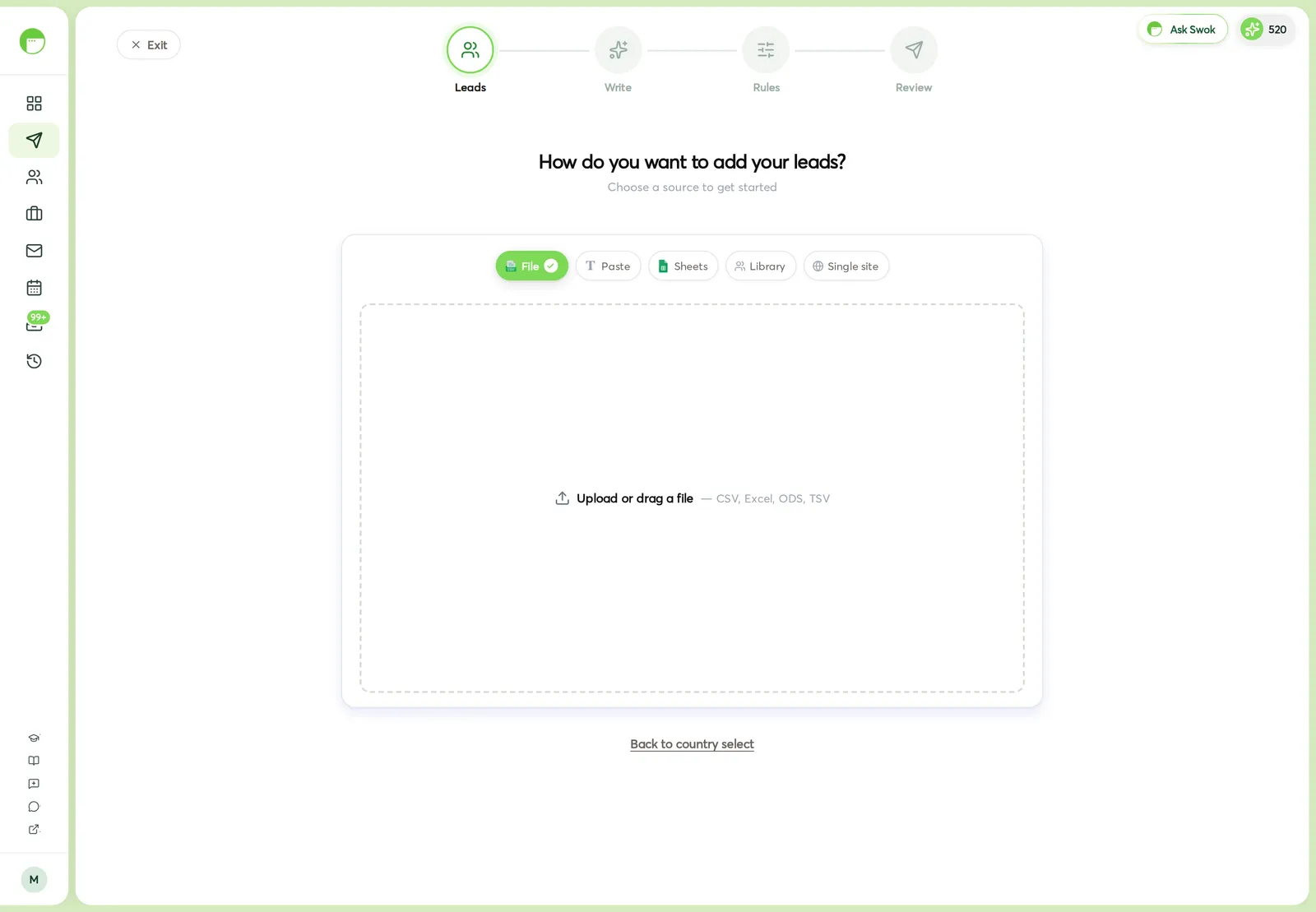
Your leads rarely arrive tidy. Swokei takes them however they come, detects the columns, and lets you fix the mapping before anything is added.
CSV, Excel (.xlsx and .xls), ODS, TSV, or Apple Numbers. Drag it in or browse. Spreadsheets are read right in the browser.
Paste rows straight from Sheets or Excel and Swokei finds the delimiter, or connect Google Sheets and pick the tab live.
Drop a single website and Swokei reads it for the email, company, name, phone and location — a full lead from one link.
Five ways in, one clean list.
However your leads start, they end up mapped, de-duplicated, and ready to send.
CSV, Excel, ODS, TSV and Numbers. A wrong file type is caught with a clear message, not a silent fail.
One lead per line. Swokei auto-detects tabs, commas, semicolons or pipes, and reads the header row if there is one.
Connect once, then choose the spreadsheet and the tab. Map the email column and you're in — rows read live.
Paste a URL, hit analyze, and Swokei enriches it into an editable lead with email, company, person, phone and location.
Reuse leads you've already collected. Multi-select from your saved library and pull them straight into the campaign.
Email, website, first and last name, company, title, industry, location, phone — plus up to four custom fields, auto-matched and yours to correct.
How it works
In the Add leads step, pick File, Paste, Sheets, Single site or Library.
Upload, paste, or connect. Spreadsheets and pastes are parsed instantly, in the browser.
Swokei guesses each column. Fix any it got wrong and add your own custom fields.
Existing contacts are flagged so you never import the same lead twice, then the list joins your campaign.
In the Add leads step of any campaign, and behind the Import button on the Leads page.
Importing your own leads costs no credits on any plan. How many leads a campaign holds scales with your plan.
Agencies that let Swokei do the outreach
The main thing I like is that the emails actually have something relevant to say. Instead of sending the same pitch to everyone, I can mention their design, SEO or mobile experience without doing the research manually.
Great tool. I'd recommend Swokei to any web designer looking to get more web design clients.
We were already doing outreach for our web design company, but most of the time we were guessing what to say. Now we let Swokei analyze business websites, find real issues, and turn them into personalized emails we can still send at scale.
We run a small web design agency and outreach has always been one of those things we know we need to do but never had enough time for. Swokei made it much easier to keep it consistent.
We send far more outreach than before and it's more personal, not less. That combination just didn't exist for us until this.
One of my employees kept telling me to give Swokei a try. I was pretty skeptical at first, but after using it for a while, it quickly became part of our daily outreach.
Ready to take control of your outreach?

Reads every prospect's site and writes the outreach that lands you the work.